Showing posts with label Vision. Show all posts

Friday, June 5, 2015

NI Vision Optical Character Recognition


Today is the turn for OCR or Optical Character Recognition, which is simply recognizing letters and numbers and some symbols in and image. I have done a program that it will recognize and specific password and it will recognize it and display a message of welcome or WRONG password.

The main program is in the picture below:

Main

Main2


Take into account that there are two states one is for the inspection and the other one is to display the welcome message if the password is recognize. I also added another step in the inspection that is look for an edge since I’m using cards, so when it detects the edge change it will look for a specific position of the password.

The most important thing is train NI Vision Builder to recognize your characters, to do that I used one type of font and a size, you can see what I used to train the program in the next picture:

Captura_Texto_final

I used this image as I said before to train the program, but how right? Well is quite simple. In the picture below I select the OCR option after I select acquire image:

select_text

Remember to acquire image before so you don´t get an error message.

Caracteres

This is the selection I did in order to train the program, and I input in “Text Read” each letter and in the order they are.

Caracteres1

This is the Character files that are stored on the system. And you can also edit them if you see that they don’t look that well.

In the next picture you can see how it doesn’t show the message because I’m using a specific space to recognize.

password


You can download the files in this link:

https://drive.google.com/folderview?id=0B7dtMeeMPK5rfnJCSVlRVTkxRzdSeHBMWDJ6THVPWmdHdm1kZ3NwNTYzSEJ5b0ZmdlFoMG8&usp=sharing

File name: OCR.zip

Version of NI Vision Builder 2013

NI Vision Builder Face Recognition


Today I will post about face recognition with NI Vision Builder, the main thing is to recognize some parts of the face. But everyone has a nose, eyes and mouth so the question will be: Will it recognize everybody?

The real answer could be yes if you are just looking for those things, in this case I’m looking for those things and also adding a special way to recognize me so no one could access.

What I’m actually adding is a measuring from point to point because even though everybody has a nose, eyes and mouth not all of us have the same measures form one part to the other.

In the picture below you can see the main program:

Main

As I said before, I’m looking for the nose and the eyes specifically as you can see in next pictures:

buscar_nariz

buscar_ojo_derecho

buscar_ojo_izquierdo

The next thing is the distance, I measure from one eye to the nose and the distance from one eye to the other, you can see it below:

Distancia1

distancia2

After I find everything and measure I have told NI Vision Builder that is one of the distances is TRUE then is me. See the picture below:

logic

And here is another picture when I was trying the program.

Presentacion_Practica

You can download the files in this link:

https://drive.google.com/folderview?id=0B7dtMeeMPK5rfnJCSVlRVTkxRzdSeHBMWDJ6THVPWmdHdm1kZ3NwNTYzSEJ5b0ZmdlFoMG8&usp=sharing

File name: Face_recognition.zip

Version of NI Vision Builder 2013

Sunday, May 31, 2015

Measuring distance with 2 cameras


Before I even start showing the program and how it works I have to say that working with images is a little bit tricky since the intensity of the light would make that our images look different if the intensity change.

In order to keep light in only one intensity we decided to make a close black box so our images don’t change.


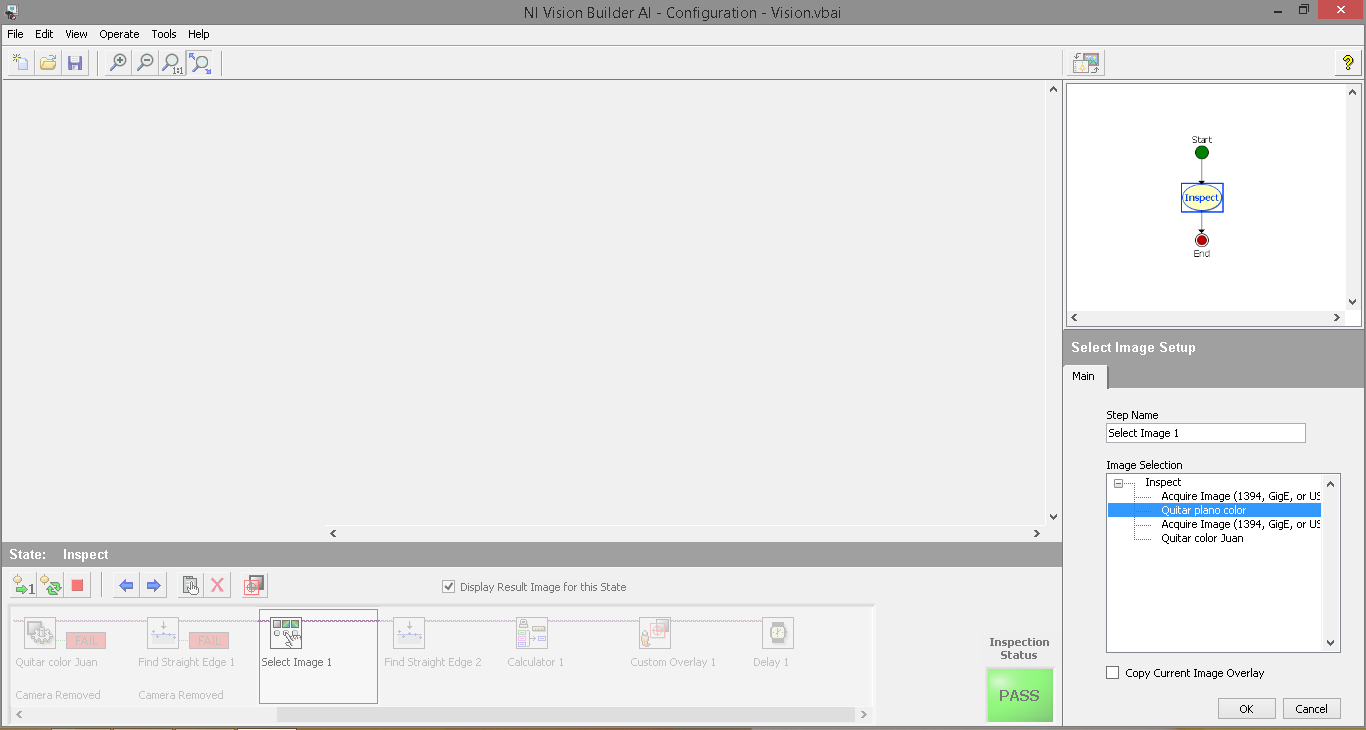
Once we made the box and install the cameras we are ready to use NI Vision Builder to measure the distance of a object. The principle of the program is simple, if we know the distance of the cameras view we can see how big or small an object is, keeping in mind that we have to calibrate the software in order to get good results.

In the next picture you can see a little drawing of the measuring distance based  on the distance of the camera view:


In the picture below you can see how we easily calculate the distance of the object, we used the a printed ruler as a based in order to calibrate the program. You can download the ruler in PDF format and the NI Vision Builder project at the bottom of the post.


After we know how we will me measuring the distance we have to calibrate the program in order to tell the that a specific amount of pixels represent a specific distance in the real world.

To do the calibration process we need to take a picture of everything set up and take one of the color planes in order to get a black and white picture before we move on into more details of the program.


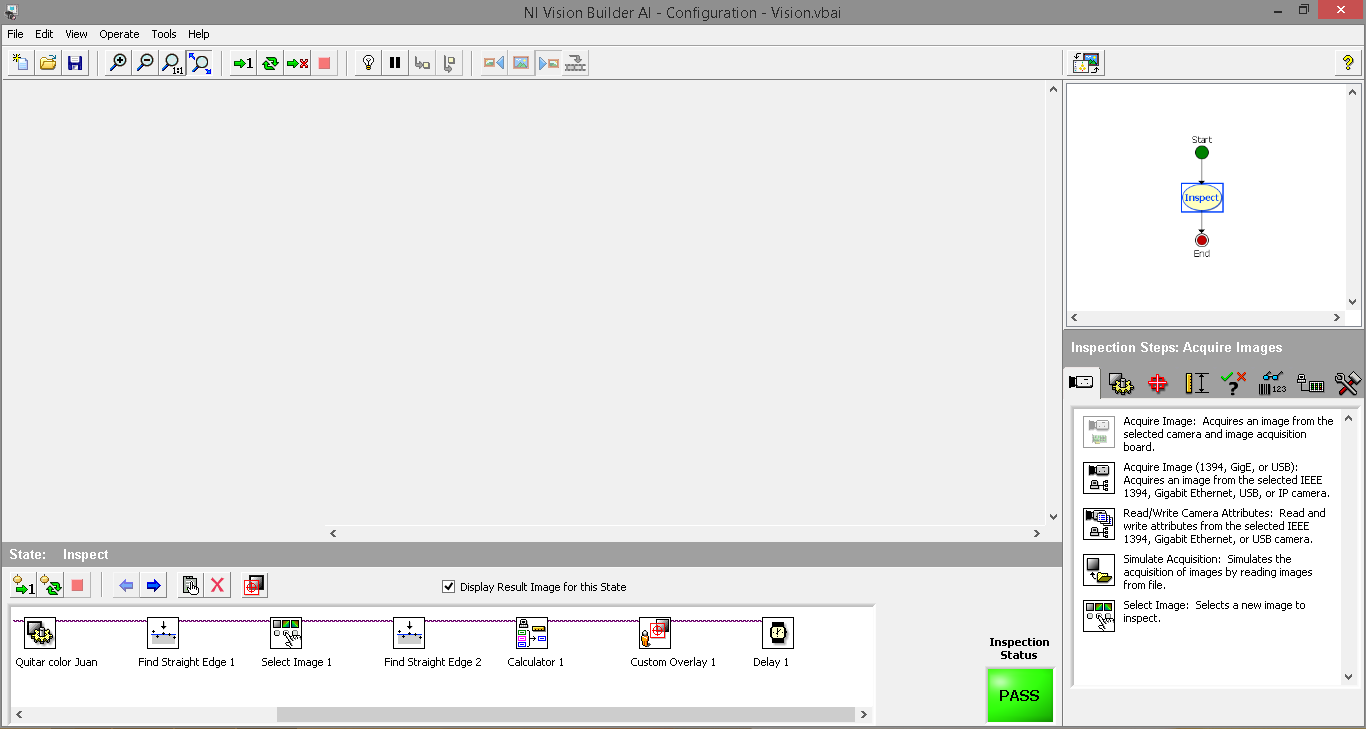
First we have to choose the camera we'll be using like in the picture above.


This is the picture taken with the camera and you can see that it is in color, but remember we need it in black and white like in the picture below:


After we have calibrated the program we have to make it run and tell us the distance.
Here you can see some pictures of it.


To calculate the distance we used the following code:


Here you have a video of the measuring working:


You can download the files in this link:
File name: Distance_camera.zip
Version of NI Vision Builder 2013

National Instruments Vision Builder

Today I want to make an introduction to National Instruments Vision since I’ll be using it to make some applications related to this.

This will help us to create simple applications based on Vision in order to make measurements, or even seeing a change of color, detect movements and much more.

For more information you can go to their website and check for more information: http://www.ni.com/vision/


  • Automotive and Aerospace.
  • Electronic Validation.
  • Food.
  • Pharmaceutical.
  • Consumer goods.
  • Medical Scientific.
  • Vision-guide Robotics.

Here you can see how this software is used to check if the bottle of soap has a cap or not.


I will be posting what I have done with this amazing software.